
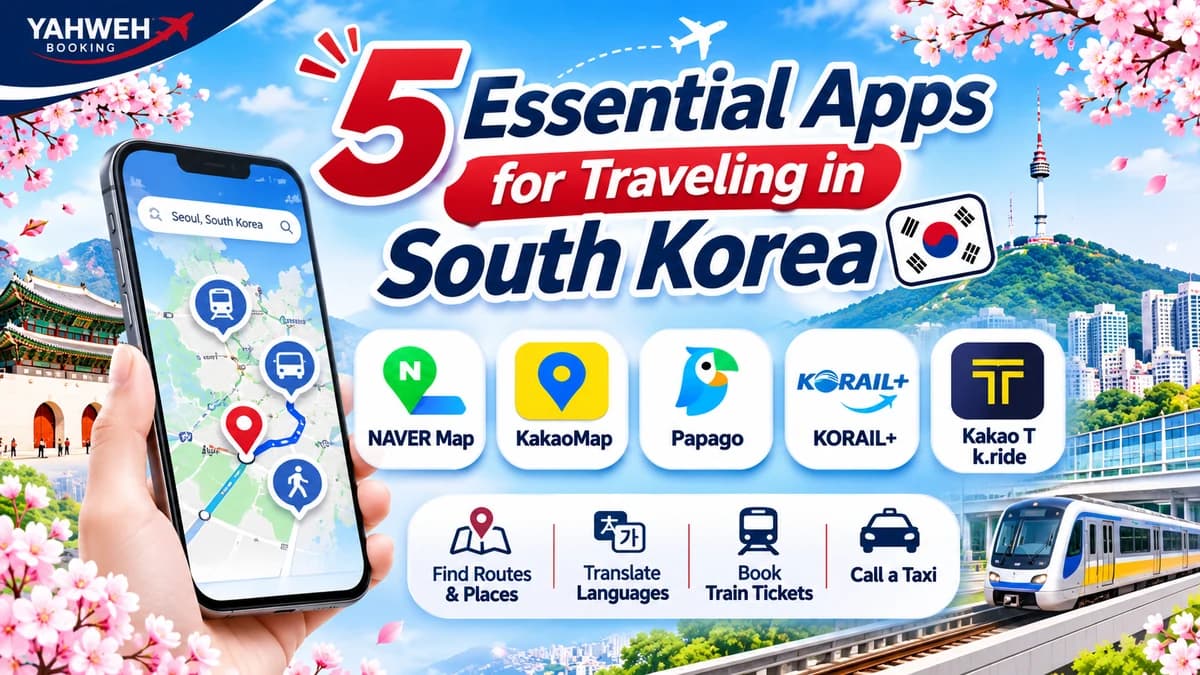
5 Essential Apps for Traveling in South Korea
Discover essential apps to download before traveling to South Korea, including navigation, translation, train booking, and taxi services. Explore their key features and helpful tips to make your journey easier and more convenient.
5 Essential Apps for Traveling in South Korea: Maps, Translation, Train Bookings & Transportation
Traveling around South Korea can be much easier when you have the right apps installed on your smartphone. Beyond planning your destinations, preparing essential travel apps before departure can help make your journey smoother and more convenient.
Whether you need to find subway routes, navigate public buses, translate Korean, book intercity train tickets, or call a taxi, these apps can help reduce travel hassles and make exploring South Korea more comfortable.
For first-time visitors to South Korea, YAHWEH BOOKING has put together five essential categories of travel apps you should prepare before your trip. This guide introduces their main features and basic usage tips to help you get ready for your journey.
5 Essential Apps to Have When Traveling in South Korea
1. NAVER Map & KakaoMap – Navigation and Map Apps
Having a reliable map app is essential when traveling around South Korea. It helps you find places, plan routes, and navigate major cities such as Seoul, Busan, and Incheon.
Two recommended options are NAVER Map and KakaoMap, both developed for navigating locations and transportation services in South Korea.
NAVER Map
NAVER Map is a navigation app that helps users search for places, plan routes, and access various travel-related information.
Key Features
-
Search for tourist attractions, restaurants, cafés, and hotels.
-
Find subway and public bus routes.
-
Get walking directions and estimated travel times.
-
View business information, opening hours, and reviews.
-
Save favorite places to help plan your trip.
Best For: Travelers who want to discover places and plan journeys using South Korea's public transportation system.
KakaoMap
KakaoMap is another popular navigation app with features similar to NAVER Map. It allows users to search for places and explore different transportation routes.
Key Features
-
Search for driving, subway, and bus routes.
-
Get walking and cycling directions.
-
Find bus stops and bus numbers.
-
Search for nearby restaurants, cafés, and other places.
-
Use built-in navigation features.
-
Receive alerts for boarding and getting off at the correct stops when using public transportation.
Best For: Travelers who want an alternative map app to compare routes and find places throughout South Korea.
Travel Tip: We recommend installing both apps on your smartphone and testing them before departure. Try searching for your hotel or tourist attractions in advance. If you cannot find a place using its English name, try searching with its Korean name for better results.
2. Papago – An Essential Translation App
For travelers who do not speak Korean, Papago is a particularly useful app. It makes communicating with locals and understanding signs, menus, and other information much easier.
Papago is a translation app developed by NAVER. It supports multiple languages, including Thai and Korean.
Key Features
-
Text Translation: Type text to translate between languages.
-
Image Translation: Take a photo or select an image to translate text, such as restaurant menus and public signs.
-
Voice Translation: Use voice input to translate spoken words.
-
Conversation Translation: Translate conversations between people speaking different languages.
-
Webpage Translation: Understand content from websites written in other languages.
When to Use Papago
-
Translating restaurant menus in Korea.
-
Reading directions and public signs.
-
Communicating with hotel staff.
-
Asking locals for directions.
-
Understanding product and service information.
Best For: Travelers who are unfamiliar with Korean and need help communicating during their trip.
Travel Tip: Before departure, try the text and image translation features so you know how to use them. Make sure you have a reliable internet connection, as many translation features require online access.
3. KORAIL+ (Formerly KorailTalk) – Train Search and Booking App
If you plan to travel between cities in South Korea, such as from Seoul to Busan or other destinations, traveling by train is a convenient option.
KORAIL+ is the official mobile application of the Korea Railroad Corporation (KORAIL). It was previously known as KorailTalk and was redesigned as KORAIL+ in 2026.
The app allows passengers to search for train information and book tickets for supported services directly from their smartphones.
Key Features
-
Search for train services and departure and arrival stations.
-
Check train schedules and travel times.
-
Book train tickets through KORAIL.
-
View your bookings and train tickets.
-
Explore available travel products and KORAIL Pass information.
Best For: Travelers planning intercity journeys using KTX and other train services operated by KORAIL.
Basic Usage Guide
-
Download the KORAIL+ app from the App Store or Google Play.
-
Select your preferred language and sign in according to the available options.
-
Enter your departure and arrival stations.
-
Select your travel date and number of passengers.
-
Review available train services and ticket details.
-
Complete your booking and payment according to the app's instructions.
Important Note: Booking availability depends on the train type and supported services. Always review payment methods, ticket changes, and cancellation conditions before completing your reservation.
4. Kakao T & k.ride – Taxi Booking Apps in South Korea
Although South Korea has an extensive subway and public bus network, taking a taxi can be a convenient alternative in certain situations. It is especially useful when traveling with luggage, returning from tourist attractions late at night, or visiting places that are not easily accessible by public transportation.
Kakao T
Kakao T is a mobility app developed by Kakao Mobility. It offers several transportation services, including taxi booking.
Key Features
-
Set your current location and destination.
-
Request a taxi through the app.
-
View trip information and service details.
-
Check estimated fares for supported services.
k.ride – An Option Designed for International Travelers
In addition to Kakao T, international visitors can consider k.ride, a taxi-booking service from Kakao Mobility specifically designed for foreign users.
Key Features of k.ride
-
Supports English, Chinese, and Japanese interfaces.
-
Allows sign-in through Google or Apple accounts, subject to service conditions.
-
Supports registration of international credit cards.
-
Lets users enter pick-up and destination locations through the app.
-
Makes taxi booking more convenient for visitors who are not residents of South Korea.
Best For: International travelers who want to book taxis using their smartphones and prefer payment options that support foreign credit cards.
Travel Tip: If you are visiting South Korea without a Korean phone number or locally issued payment card, consider checking k.ride as an additional option. Try registering and reviewing its available payment methods before your trip.
5. Official Transportation Apps & Websites – Check Travel Information Before Departure
In addition to map and taxi apps, checking information directly from transportation providers is important, especially when traveling to the airport or between cities.
Map apps can help you plan routes, but certain details, such as train schedules, last departures, route changes, and booking conditions, should be confirmed directly with the relevant service provider.
Information You Should Check
-
Transportation schedules.
-
Last departure times of the day.
-
Boarding and drop-off locations.
-
Ticket prices and fares.
-
Routes and stations served.
-
Booking and cancellation conditions.
-
Service announcements and schedule changes.
Examples of Transportation Providers to Check
-
AREX: Information about the Airport Railroad service between Incheon International Airport and Seoul.
-
Incheon International Airport: Flight information, terminal details, and airport services.
-
KORAIL: Information about intercity trains and services operated by KORAIL.
-
Airport Bus Operators: Routes, stops, and Airport Limousine schedules.
-
Local Public Bus Operators: Bus routes and transportation information in individual cities.
Best For: Travelers who want to verify transportation information before departure, especially those with fixed itineraries or flights departing early in the morning or late at night.
Summary: 5 Essential App Categories for Traveling in South Korea
| App | Main Function | Best For |
|---|---|---|
| NAVER Map | Navigation and place search | Getting around South Korea |
| KakaoMap | Maps and navigation | Finding places and comparing routes |
| Papago | Language translation | Communicating and reading Korean |
| KORAIL+ | Train search and booking | Intercity travel |
| Kakao T / k.ride | Taxi booking | Direct transportation to your destination |
| Official transportation websites | Schedules and travel information | Verifying official travel details |
Note: Some apps offer similar features, but language support, registration requirements, and payment methods may vary depending on the service.
How to Prepare Your Apps Before Traveling to South Korea
To make sure your apps are ready to use from the first day of your trip, we recommend preparing the following in advance.
1. Download Essential Apps Before Departure
Install NAVER Map, KakaoMap, Papago, and other apps relevant to your travel plans before leaving home. This helps you avoid spending time downloading applications after arriving in South Korea.
2. Check Language Settings
Try changing the app language to English or another language you are comfortable using, especially for map and train-booking apps.
3. Prepare Your Internet Connection
Arrange a SIM card, eSIM, or international roaming service before departure so you can search for routes, translate languages, and book transportation whenever needed.
4. Test Registration and Payment Methods
For apps that require an account or a linked payment card, such as taxi-booking apps, try registering in advance and check the available payment options and service conditions.
5. Save Your Hotel and Tourist Attraction Details
Keep the names and addresses of your hotel and important tourist attractions in both English and Korean. This makes them easier to search for and show to taxi drivers when necessary.
6. Save Screenshots of Important Information
Keep screenshots of train tickets, hotel reservations, addresses, and important routes on your phone. These can be useful if you experience internet connection problems or cannot access an app during your trip.
Frequently Asked Questions About Travel Apps in South Korea (FAQ)
Q: Which apps should I download before traveling to South Korea?
A: We recommend installing NAVER Map for navigation, Papago for translation, KORAIL+ for train bookings if you plan to travel between cities, and Kakao T or k.ride for taxi services. You can also install KakaoMap as an alternative navigation app.
Q: What is the difference between NAVER Map and KakaoMap?
A: Both apps help users search for places and plan routes in South Korea. NAVER Map provides place information and route-search functions, while KakaoMap offers navigation and search features for businesses, bus stops, and different transportation routes. Travelers can try both apps to compare available routes.
Q: Can Papago translate Thai into Korean?
A: Yes. Papago supports Thai and Korean translation through text, image, and supported voice translation features.
Q: Are KorailTalk and KORAIL+ the same app?
A: KORAIL+ is the redesigned version of KorailTalk introduced in 2026. It is the official KORAIL app for searching train information and booking tickets for supported train services.
Q: Can international travelers book taxis through apps in South Korea?
A: Yes. International travelers can use services designed to accommodate foreign users, such as k.ride, which offers an English interface and supports international credit cards subject to service conditions.
Q: Do I need to install both NAVER Map and KakaoMap?
A: No. You can choose either app as your primary navigation tool. However, installing both can be helpful when comparing routes or searching for a place that may not appear in one app.
Q: Can I use travel apps in South Korea without an internet connection?
A: Most route searches and real-time travel information require an internet connection. It is recommended to prepare a SIM card, eSIM, or roaming service in advance. You should also save important travel information on your phone in case of emergencies.
Get Ready for Your South Korea Trip with YAHWEH BOOKING
Preparing the right apps before departure can make traveling around South Korea much more convenient, whether you are finding directions, traveling between cities, communicating with locals, or arranging transportation.
In addition to installing essential apps, remember to check your flight details, prepare your travel documents, and plan your routes in advance to help make every day of your trip smoother.
YAHWEH BOOKING – Making Every Journey Easier.